Welcome to My Blog!
Lindssweeney
My Goals with Technology Through ISTE Standards
- 2b Advocate for equitable access to educational technology, digital content and learning opportunities to meet the diverse needs of all students
- 3a Create experiences for learners to make positive, socially responsible contributions and exhibit empathetic behavior online that build relationships and community
- 3b Establish a learning culture that promotes curiosity and critical examination of online resources and fosters digital literacy and media fluency
- 3c Mentor students in safe, legal and ethical practices with digital tools and the protection of intellectual rights and property
- 4a Dedicate planning time to collaborate with colleagues to create authentic learning experiences that leverage technology
- 4c Use collaborative tools to expand students’ authentic, real-world learning experiences by engaging virtually with experts, teams and students, locally and globally
- 5a Use technology to create, adapt and personalize learning experiences that foster independent learning and accommodate learner differences and needs
- 5c Explore and apply instructional design principles to create innovative digital learning environments that engage and support learning

The Challenges
I anticipate there to be some challenges while integrating technology into my classroom. I know some children will struggle with the fact that we are using it in an educational way. For example, some students may take advantage of their electronic device privilege and use it for something other than what they are doing in class. Although there will be some struggle with integrating technology, there will be some success as well.
The Success
Technology is a great way for students to stay engaged in the learning and easier to understand the material. There are many frameworks and techniques teachers use in their classroom that helps students understand the classroom goals.
Educational Technology Philosophy
ISTE Standards
What is good teaching?
Good teaching is when an educator seeks out opportunities for leadership to support student empowerment and success and to improve teaching and learning. Being a good teacher is also meeting the diverse needs of every student. Good teaching is modeling for colleagues and adopting new digital resources and tools.
What is good learning?
Good learning is using technology to seek feedback that informs and improves their practice and to demonstrate their learning in a variety of ways. Being a good learner means setting personal learning goals as well as developing strategies and reflecting on your goals. Good learning is recognizing the responsibilities and opportunities in a digital world. Good learning is using a variety of different technologies to identify and solve problems by creating new, useful, or imaginative solutions.
What is worth knowing?
It is important to know what Digital Citizenship is, having clear communication, a variety of tools and devices to use, resources available, etc. These are the foundations of being a good learner and educator in the technological world we live in today.
Who is the educated person?
Everyone in the classroom is the educated person. Students and educator need to be educated on a variety of different things to continue to enhance and extend their knowledge. For example, educator need to understand the purpose of the use of technology in their lesson and understand why or how it will extend, enhance, and engage their students further. Students have to be educated on how to properly use devices and technology in the classroom. They need to be educated on the responsibilities as well as the benefits and resources technology has for us as learners.
What is the purpose of school?
The purpose of school is to extend, engage, and enhance students in the classroom to further their knowledge so they can apply it to real-world situations.
Technology Integration:
Blog 1
I decided to interview a previous middle school teacher of mine, Mrs. Akron. I asked her three questions pertaining to technology integration in her classroom.
How do you apply technology in your classroom?
“I integrate technology into my classroom in many ways. The students enjoy using their cell phones for Kahoot and Quizlet Live. I personally prefer using the computer carts for online labs and activities the students can’t do on paper. We use the smartboard everyday in class and use clickers for quizzes. The clickers help me know what the students have been able to understand without letting the rest of the class know.”
Do you use the following frameworks?
- TPCK
- SAMR
- The three E’s
“In my classroom I decided to use SAMR for many reasons. SAMR is great because my students already rely heavily on technology so it’s nothing new for them and it’s also easier for them to understand. SAMR is great for games and activities in the classroom which my students love. They feel like they’re just having fun with their friends playing a game, but they are also learning the material. It keeps them engaged and focused on what we are learning. This framework works very well for my and my students and I find it more enjoyable for everyone than reading straight from a textbook.”
Lastly, what way do you find best trying to integrate technology into your classroom?
” I find that SAMR works the best. It allows children to think for themselves and not have me read to them textbook definitions. I also find that allowing my students to have access to their phones and any device is helpful for them. Using the laptops for activities with all the programs we have access to is also very helpful for them. They tend to remember the material better for future tests this way.”
My classroom
As I begin my teaching journey, I know I will incorporate technology greatly. I find that constructivism is also a very important part of a classroom. Constructivism is a theory based on observation and scientific study about how people learn. It encourages students to use real-world thinking and problem solving. Teachers allow students to construct their own thinking and not read straight from a textbook or PowerPoint. It relies heavily on students collaboration with their peers. For example, I will use stations, labs, and group activities in my classroom. I find that working together improves the student’s understanding of the material. If a student doesn’t quite understand the material, a peer might explain it in a way they understand.
Frameworks
TPCK
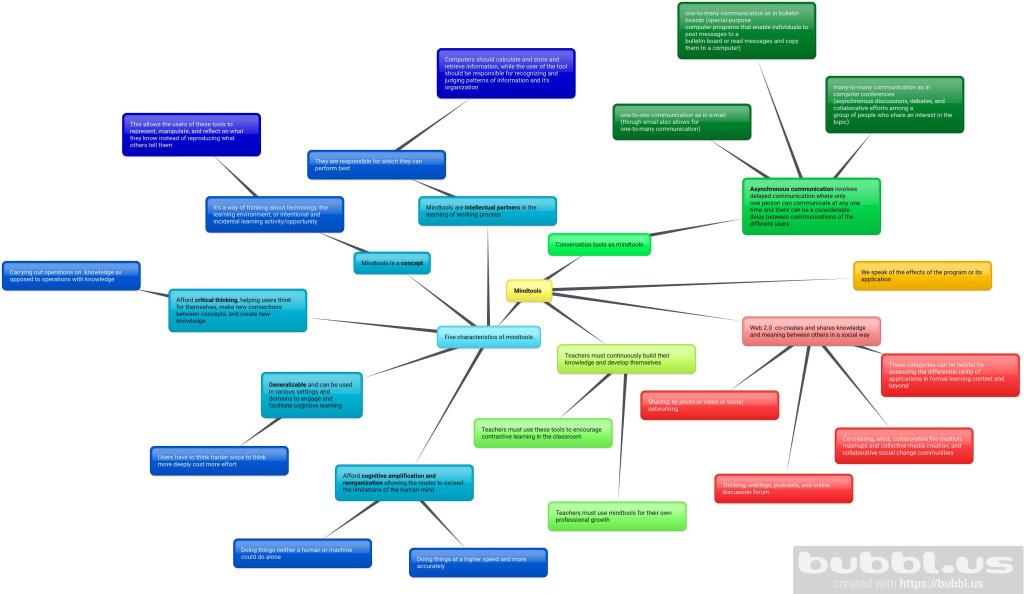
TPCK combines three knowledge areas: technological knowledge, Content knowledge, and Pedagogical knowledge. This framework looks at how they all work together to increase student motivation and make the content more accessible to the students.
SAMR
SAMR is another framework that stands for Substitution, Augmentation, Modification, and Redefinition. This framework helps educators infuse digital technology into their classroom.
Digital Citizenship:
Blog 2
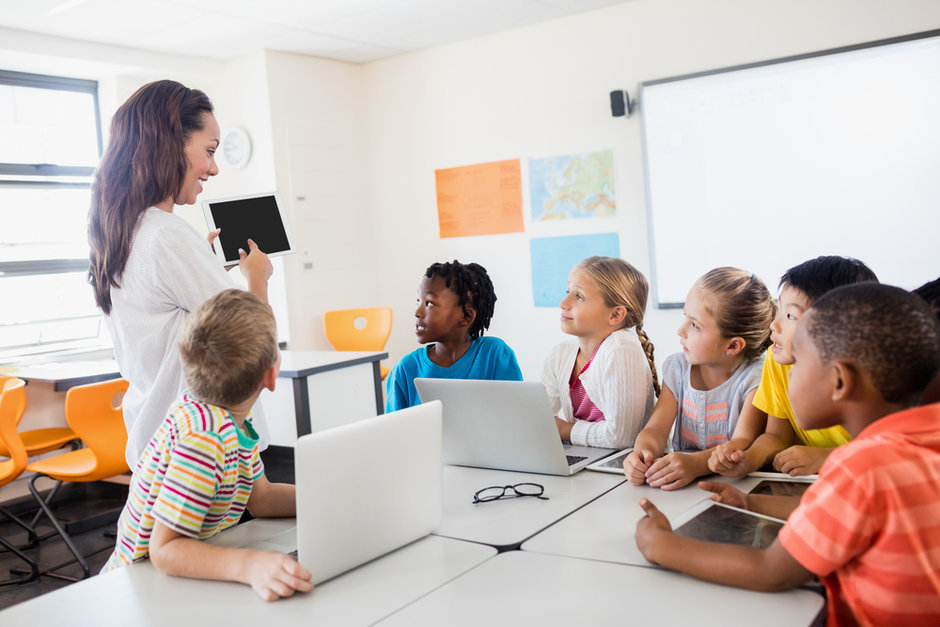
I interviewed Miss. Reynolds for my next interview. I recently discovered Digital Citizenship and what it means. A digital citizen is a person using information technology in order to engage in society. All good digital citizens should stay safe online, respect others and themselves, stand up to cyberbullying, and carefully manage their digital footprint. I wanted to learn more about digital citizenship and how some teachers use it in their classrooms. I had some questions I decided to ask Miss. Reynolds about this topic.
How do you implement technology within your classroom?
” Every student was paired with what is called 1 to 1 which is a laptop in my case. It was required at the STEM school for students to have access to technology so technology was just a lot in my classroom. Students used it as a way to study using Kahoot. There were a lot of assignments online that they used and simulations. For example, when they were learning about natural selection and Darwinism. It taught them a lot of sight sourcing and vocabulary. It also made them be creative while learning by being required to make videos and infographics.”
Why is digital citizenship essential in your classroom?
” We had curriculums set in place for the 6th graders. They would learn how to write a correct email and how to address people online, We directed them from the rights and wrongs internet usage, cyberbullying, and proper digital etiquette. Definitely a very important asset in the classroom.”
In your classroom, how did you make sure students were following digital citizenship? How were you able to find balance in a digital world?
” A lot of circulating and monitoring around the class. When students emailed me directly in an incorrect way, I actually emailed them back responding with ‘I will be happy to answer your question once you address me correctly in a more professional way with Miss Reynolds and Regards at the end.’ Making sure everyone is following this and not giving some children allowances and not others. I found balance by having very specific instructions. It was important to have rules like when they should and shouldn’t have their devices out. I would make sure their laptops were shut or phones on silent if I didn’t want the use of technology at the moment and I would wait until all eyes were on me so I knew they were focused when technology was permitted. That’s how at least I found balance in a world where it seems like we’re constantly glued to our devices.”
The Digital Divide:
Blog 3
How would you explain the digital divide to fellow teachers, interested peers, or family?
I would explain the digital divide as a gap between the students who have access to technology and those who don’t. The students who don’t have/lack access to technology aren’t able to do what is asked of them by teachers outside of the classroom because they lack resources. The students that live or attend a school that is in a low income neighborhood may experience the lack of technology to complete assignments.
What is an example of the digital divide that you have observed or experienced?
In high school, the four grade levels had to share computer carts. This made it difficult accessing technology even in the classroom. Each class had to take turns using the carts for the class and sometimes we wouldn’t have enough carts. This made online worksheets or labs extremely difficult to complete. Outside of the classroom many students didn’t have access to computers or other devices so they had to go to the public library to complete work. Some students in low income neighborhoods might also not have free internet access. This can make it difficult to complete assignments as well.
Another time I have noticed the digital divide is during the pandemic of COVID-19. This virus has pulled all students and educators away from face-to-face classes. As a result, students are to have online classes for the rest of the semester. Some students do not have the money to afford schooling as well as at home technology and internet access. Some students such as myself, are fortunate enough to be provided these things through parents/guardians. this is where we see the digital divide. The students that struggle with digital access may now also struggle with completing assignments at a timely manner.
Technology Tools To Use In The Classroom
Some of my favorite tools I have discovered through my Educational Technology class are:
Click here for my Screencast tutorial or Peardeck!
Check Out My Projects!
Communicated Learning Environment Prezi: https://prezi.com/view/qIltZ7680kaFJzWvEScK/
PBLWQ: https://sweenelm.wixsite.com/bones
WebTools: https://prezi.com/view/ZlEs4i0LVeCJQpWQTxAd/
Digital Story: https://spark.adobe.com/video/I5DhPD0iQz5zc
More Info
For more information, here is a video from Common Sense Educators of Digital Citizenship.
https://www.commonsense.org/education/videos/we-the-digital-citizens#
Find Out More About Me!
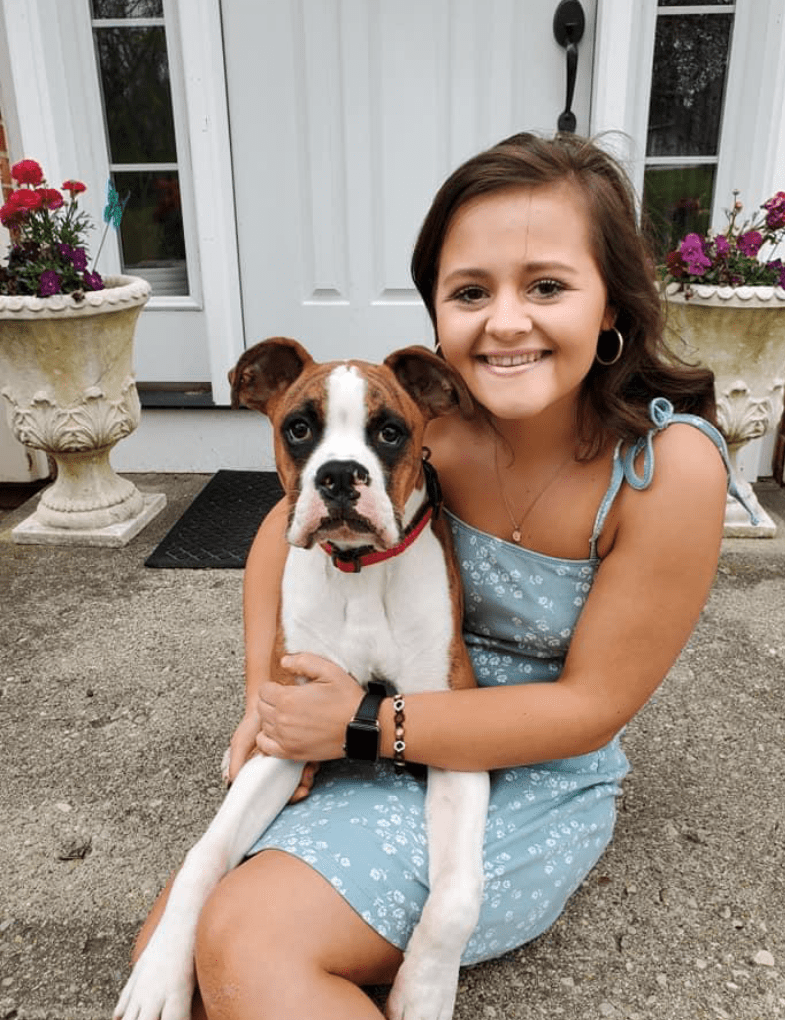
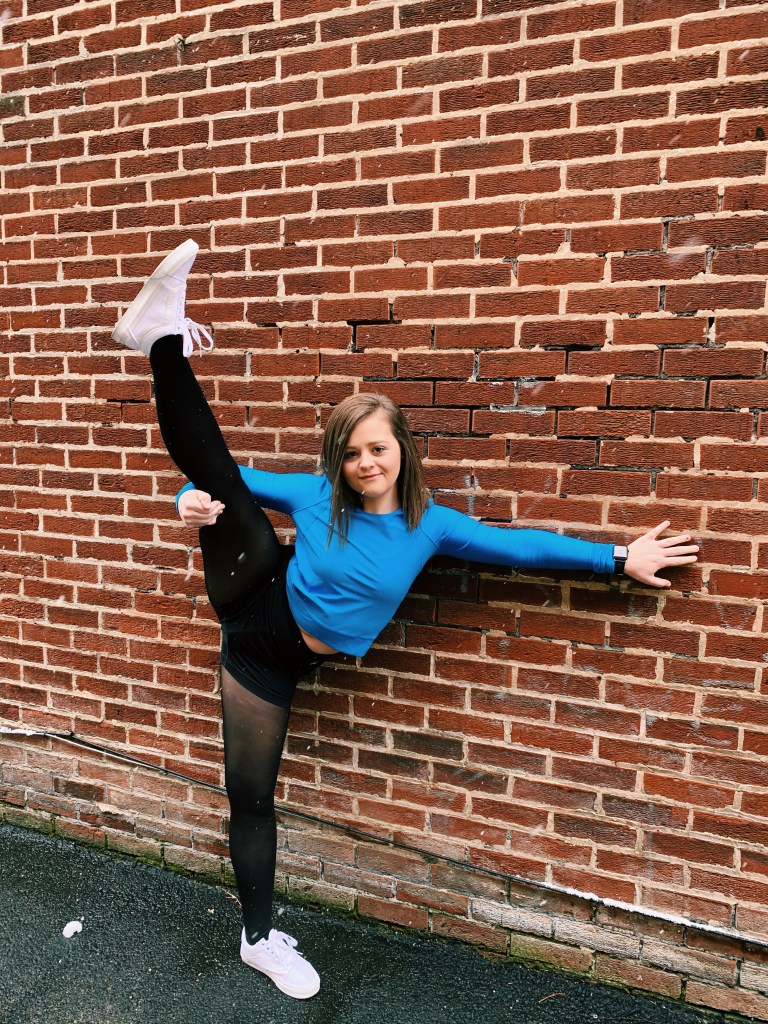
I currently attend the University of Cincinnati for Communication Sciences and Disorders. After I receive my Master’s degree, I plan to work in a school as a Speech Pathologist. I spend my weekends dancing with the Pride of Cincinnati Dance Ensemble and playing with my dog, Theo!
My favorite color: Lavender and baby blue
My favorite restaurant: Coldwater Café
My favorite ice cream flavor: Birthday cake
My favorite TV show: FRIENDS
My favorite movie: When Harry Met Sally and Kingsman

 Integrating Technology In My Classroom